
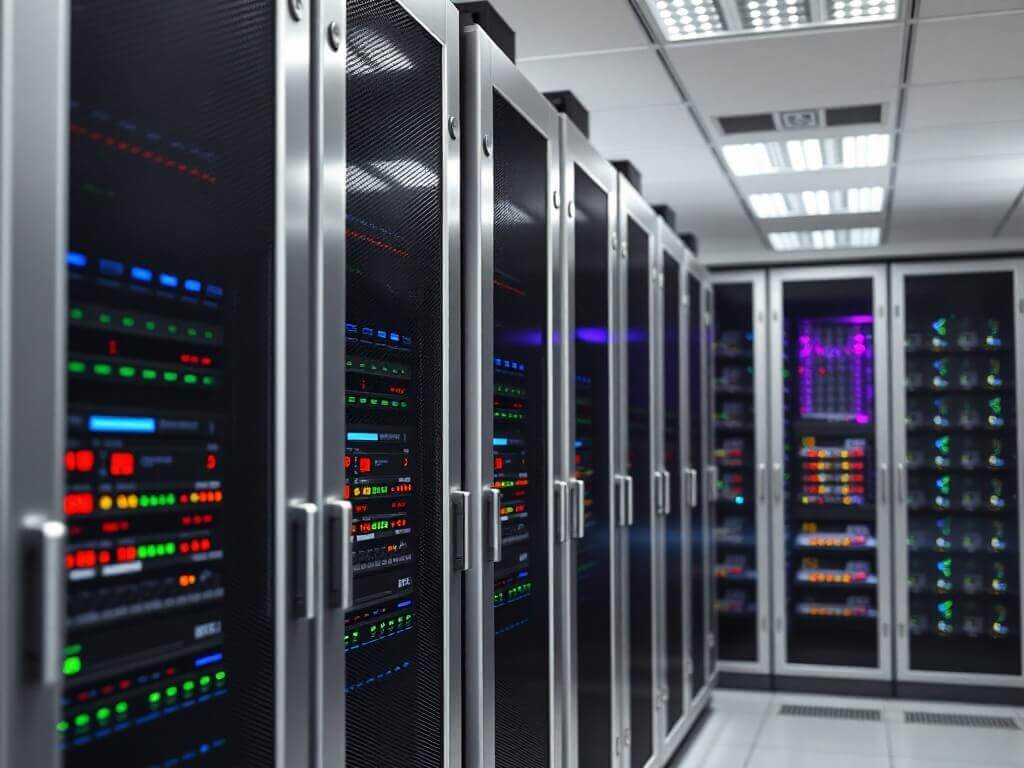
Dedicated Server in Bulgaria for accounting







Servers in Bulgaria for accounting
No servers found
Unfortunately, there are no servers for accounting in Bulgaria available right now.
New configurations are on the way
Leave your e-mail — we will notify you the day servers arrive.
💡 We recommend considering:
Servers for accounting in other locations:
Or you can:
- • view all servers in Bulgaria
- • consider VPS rental in Bulgaria
- • test network quality using Looking Glass (Bulgaria)
Every Server Includes
All our dedicated servers come with these features at no extra cost
Advantages
Experience the benefits of our dedicated hosting solutions
High-Speed Connectivity
Each dedicated server is connected to a 1 Gbps port, allowing your projects to run stable during peak load times
Easy Management
Power control and console access are available in one click directly from your account
Instant Deployment
No need to wait for assembly or testing — your dedicated server is ready immediately after payment
Flexible Configuration
We offer affordable standard setups, and if needed, we can adjust any server to match your specific requirements
Frequently Asked Questions
Find answers to the most common questions about our services
Dedicated Server Rental in Bulgaria
XServer Cloud offers dedicated servers in Bulgaria — an excellent solution for clients focused on Central and Southern Europe. Hosting in a Bulgarian data center ensures a stable connection, low latency, and an optimal balance between price and performance.
Why Choose a Server in Bulgaria
Bulgaria is a strategic location for projects that require fast connections to Europe, Ukraine, Turkey, and the Balkan region. Servers located in Sofia are connected to major European backbones and internet exchange nodes (IX), guaranteeing low RTT and stable traffic routing.
If your users are located in Eastern or Southeastern Europe, choosing a server in Bulgaria will ensure the fastest possible website and application loading. It's also an excellent backup solution — remote, yet close enough for fast data synchronization and replication.
About the Telepoint Data Center
Our infrastructure in Bulgaria is located in the modern Telepoint Sofia East data center in the country's capital. It complies with TIER III standards and is built in compliance with international reliability and energy efficiency standards.
The site is equipped with redundant power supply (2N UPS + diesel generators), duplicated cooling circuits, and independent communication channels. Connection to dozens of major providers and fiber optic backbones guarantees uninterrupted operation even during service outages at individual providers.
The data center is equipped with 24/7 monitoring, access control, video surveillance, and climate control systems. Our engineering team is on duty 24/7, providing prompt support and monitoring of equipment status.
Advantages of Renting Servers in Bulgaria
- Optimal location between Western and Eastern Europe;
- Minimal latency to Ukraine, Turkey, Greece, and the EU;
- Modern TIER III data center in Sofia;
- Reliable network with multiple independent operators;
- 24/7 technical support and SLAs comparable to European sites.
Renting servers in Bulgaria offers a favorable combination of high-quality European infrastructure and attractive rental terms. XServer Cloud guarantees reliability, high performance, and uncompromising support.
Dedicated Servers for Accounting
Accounting systems are the heart of a company’s financial operations, and their reliability is of critical importance. Dedicated accounting servers ensure secure data management, simultaneous user access, and uninterrupted operation of specialized financial software.
Why a Dedicated Accounting Server Is Needed
As the volume of data and the number of users grow, local setups become inefficient. When multiple accountants, managers, and executives work with the same database, it’s essential for the server to be powerful, reliable, and secure. A dedicated server addresses these needs by providing centralized data storage, automated backups, and 24/7 system availability.
Such a server allows you to:
- run accounting and financial applications (1C:Enterprise, BAS, M.E.Doc, Parus, and others);
- enable simultaneous multi-user access without performance loss;
- configure automated backups and protection against failures;
- work both from the office and remotely via secure VPN or RDP connection;
- centrally manage access, user permissions, and software updates.
Which Tasks Require an Accounting Server
XServer Cloud servers are suitable not only for 1C but also for any financial, document, or reporting software:
- storing accounting databases and financial documents;
- collaboration between accountants, cashiers, managers, and auditors;
- automation of calculations, tax reporting, and inventory management;
- hosting CRM and ERP systems with accounting modules;
- archiving reports and creating backup copies.
Key Specifications for an Accounting Server
For stable performance of accounting software, a server should have:
- High-performance processor (such as Intel Xeon or AMD EPYC) for fast transaction and SQL query processing;
- Sufficient RAM — from 16 to 64 GB or more to support multi-user operation;
- Reliable data storage — SSD drives in a RAID array for speed and optionally HDD for archives;
- Backup capability to a separate drive or external server;
- Secure remote access for employees working outside the office.
If needed, the server can be configured with terminal (RDP) access, allowing users to work with 1C and other applications directly on the server — without installing them locally on their computers.
How to Choose an Accounting Server
The optimal configuration depends on the number of users and the workload. For small companies (up to 5 users), a basic server with 4–8 cores and 16–32 GB RAM is sufficient. For medium businesses (5–20 users), choose a system with 8–16 cores, 64 GB RAM, and an SSD RAID array. For large companies with dozens of users and multiple databases, a dual-processor configuration with redundancy and extra performance is recommended.
Advantages of XServer Cloud Accounting Servers
- Full compatibility with 1C, BAS, M.E.Doc, Parus, and other accounting systems;
- Support for terminal access and multi-user environments;
- High reliability and automated data backups;
- Isolation from other clients and access control at the server level;
- Quick setup and seamless migration of existing databases;
- 24/7 support and consulting for accounting software configuration.
If you want to ensure uninterrupted operation of 1C and other financial systems, reliable data storage, and fast access for your team from anywhere — a dedicated accounting server from XServer Cloud will be the foundation of your company’s stability and efficiency.